Plugin
Pixlora Block
Pixlora Blocks (v0.6.0) adds business-style blocks and ready-made page sections to the WordPress block editor, all in a navy and teal look. It needs WordPress 6.5+ and PHP 7.4+. Key features 29 blocks (36 counting child blocks), grouped under a "Pixlora" category in the inserter: Layout and text: Section, Container, Columns, Heading (with a teal highlight option), Text, List, Icon, Buttons, Spacer, Social Links Content: Section Heading, Button, Image, Gallery (with a pop-up viewer), Call To Action, Icon Box Data: Counter, Progress Bar, Pricing Table, Testimonial, Team Member Interactive: Slider, Tabs, Accordion, Timeline Posts: Post Grid, Post Carousel Navigation: Menu with dropdowns and mega menus 48 ready-made sections (patterns), including headers, heroes, about, services, process steps, stats, team, testimonials, pricing, FAQs, calls to action, blog, contact, footers, 404 and coming-soon pages. Pattern Library: a "Pixlora Patterns" button in the editor toolbar opens a window where you can search, filter by category, preview and insert sections. A Pattern Library block does the same from inside the page. Speed: blocks are built on the server, and each block's CSS and JavaScript load only on pages that use it. Fully local: images, icons and the Inter font ship with the plugin. Nothing loads from outside services or CDNs. Plugin dependency: the sections are built only from Pixlora blocks. If you deactivate the plugin, that content is hidden, and it comes back unchanged when you turn the plugin on again.
Price: Free
- Secure checkout
- Money-back guarantee
- Fast support
- Documentation
Screenshots
About Pixlora Block
Pixlora Blocks (v0.6.0) adds business-style blocks and ready-made page sections to the WordPress block editor, all in a navy and teal look. It needs WordPress 6.5+ and PHP 7.4+.
Key features
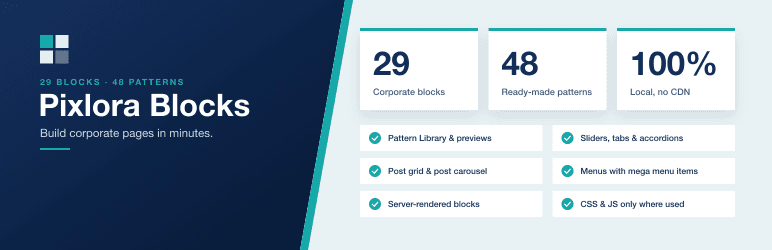
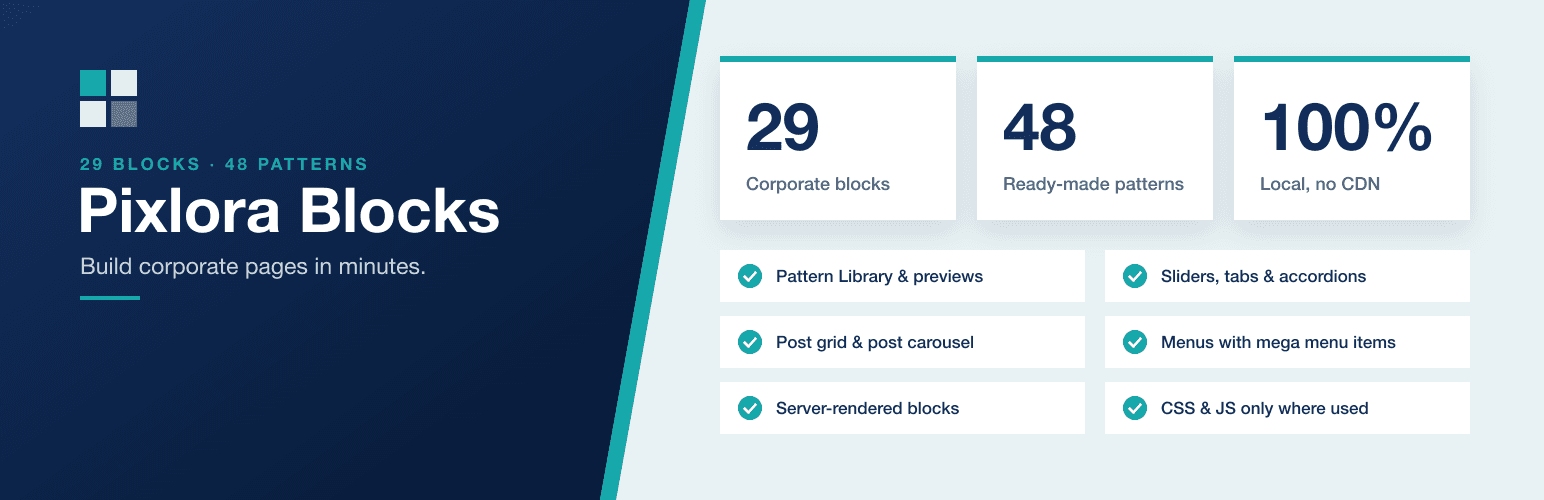
- 29 blocks (36 counting child blocks), grouped under a "Pixlora" category in the inserter:
- Layout and text: Section, Container, Columns, Heading (with a teal highlight option), Text, List, Icon, Buttons, Spacer, Social Links
- Content: Section Heading, Button, Image, Gallery (with a pop-up viewer), Call To Action, Icon Box
- Data: Counter, Progress Bar, Pricing Table, Testimonial, Team Member
- Interactive: Slider, Tabs, Accordion, Timeline
- Posts: Post Grid, Post Carousel
- Navigation: Menu with dropdowns and mega menus
- 48 ready-made sections (patterns), including headers, heroes, about, services, process steps, stats, team, testimonials, pricing, FAQs, calls to action, blog, contact, footers, 404 and coming-soon pages.
- Pattern Library: a "Pixlora Patterns" button in the editor toolbar opens a window where you can search, filter by category, preview and insert sections. A Pattern Library block does the same from inside the page.
- Speed: blocks are built on the server, and each block's CSS and JavaScript load only on pages that use it.
- Fully local: images, icons and the Inter font ship with the plugin. Nothing loads from outside services or CDNs.
- Plugin dependency: the sections are built only from Pixlora blocks. If you deactivate the plugin, that content is hidden, and it comes back unchanged when you turn the plugin on again.